

What are MEXC Wallets and How Do You Find Your MEXC Wallet Address?
MEXC Wallet refers to the digital wallet system within the MEXC exchange platform where you can store, deposit, withdraw, and manage your cryptocurrencies. MEXC offers several specialized wallet types to meet your trading needs:
Key Takeaways
- Three Wallet Types: MEXC has three separate wallets: Spot Wallet (main trading), Futures Wallet (derivatives only), and DEX+ Account (decentralized trading). Funds must be transferred between them for different purposes.
- Finding Your Deposit Address: Access via Wallets → Deposit → Select cryptocurrency → Choose network → Copy address. Available on both desktop website and mobile app with the same basic steps.
- Network Selection is Critical: The #1 rule: Always match the blockchain network between sending and receiving platforms. Wrong network = lost funds. Common networks include ERC20 (Ethereum), TRC20 (Tron), BEP20 (Binance Smart Chain).
- Memo/Tag Requirements: Coins like XRP, XLM, and ATOM require both an address AND a memo/tag. Missing the memo can result in lost or delayed funds.
- Confirmation Times Vary: TRC20: 1–3 minutes | BEP20: 1–5 minutes | ERC20: 10–30 minutes | Bitcoin: 30–60 minutes. Each network has different speeds and minimum deposit requirements.
- Security Best Practices:
- Always double-check the full address and network
- Send a small test amount first
- Enable 2FA and address whitelisting
- Only use official MEXC channels
- Verify minimum deposit amounts before sending
Common Mistake to Avoid: Selecting the wrong network is the most frequent error. For example, sending USDT via TRC20 to an ERC20 address will result in permanent loss of funds.
1. Types of MEXC Wallets
Spot Wallet: This is your main trading wallet where you hold cryptocurrencies for spot trading. When you deposit crypto to MEXC, it typically goes to your Spot Wallet first.
Futures Wallet: A separate wallet used specifically for futures and derivatives trading. You need to transfer funds from your Spot Wallet to your Futures Wallet to trade futures.
DEX+ Account: Used for convenient trading on MEXC DEX+. Assets in your DEX+ account can be seamlessly transferred to your spot account.
2. How to Find Your MEXC Wallet Address
Here is how to find your deposit address for any cryptocurrency on MEXC:
2.1 On MEXC Website (Desktop)
Step 1: Log in to MEXC
Go to the MEXC Official Website and log in to your account.
Step 2: Navigate to Wallets
- Click on "Wallets" in the top menu
- Select "Overview" or "Spot"
Step 3: Find Deposit Option
- Click the "Deposit" button
- You will see a list of all available cryptocurrencies
Step 4: Select Your Cryptocurrency
- Search for the crypto you want to deposit (e.g., USDT, BTC, ETH)
- Click on it to proceed
Step 5: Choose Network (most critical step)
- Select the blockchain network (e.g., ERC20, TRC20, BEP20)
- Make sure this matches the network you are sending from
- Each network has a different address
Step 6: Copy Your Address
- Your wallet address will be displayed
- You can either copy the address or scan the QR code
- Some addresses also have a memo/tag (required for certain coins like XRP, XLM)
2.2 On MEXC Mobile App
Step 1: Open MEXC App
Launch the MEXC mobile application and log in.
Step 2: Go to Wallets
- Tap on "Wallets" at the bottom menu
- Select "Spot"
Step 3: Tap Deposit
- Find and tap the "Deposit" button
Step 4: Select Cryptocurrency
- Search or scroll to find your desired cryptocurrency
- Tap on it
Step 5: Choose Network
- Select the appropriate blockchain network
- Verify it matches your sending network
Step 6: Get Your Address
- Your deposit address appears on screen
- Tap "Copy Address" or use the QR code
- If there is a memo/tag, copy that too
3. Important Things to Know
3.1 Network Selection is Critical
Always match networks: If you select TRC20 on MEXC, you must send from a TRC20 address.
Common networks for popular coins:
- USDT: ERC20, TRC20, BEP20, Polygon, Arbitrum, etc.
- BTC: Bitcoin network only
- ETH: ERC20 (Ethereum), Arbitrum, Optimism, etc.
- BNB: BEP20 (BSC)
3.2 Minimum Deposit Amounts
Each cryptocurrency has a minimum deposit amount. Deposits below this threshold may not be credited to your account. Always check the minimum before sending.
3.3 Confirmation Times
Different networks have different confirmation times:
- TRC20 (Tron): Usually 1–3 minutes
- BEP20 (BSC): Usually 1–5 minutes
- ERC20 (Ethereum): 10–30 minutes (depending on gas fees)
- Bitcoin: 30–60 minutes (requires multiple confirmations)
3.4 Memo/Tag Requirements
Some cryptocurrencies require both an address AND a memo/tag:
- XRP (Ripple) – requires destination tag
- XLM (Stellar) – requires memo
- ATOM (Cosmos) – requires memo
If a memo is required, you MUST include it, or your funds may be lost or delayed.
3.5 Address Format Examples
Different cryptocurrencies have different address formats:
- Bitcoin: Starts with 1, 3, or bc1 (e.g., bc1qxy2kgdygjrsqtzq2n0yrf2493p83kkfjhx0wlh)
- Ethereum/ERC20: Starts with 0x (e.g., 0x742d35Cc6634C0532925a3b844Bc9e7595f0bEb)
- Tron/TRC20: Starts with T (e.g., TXYZopYRdj2D9XRtbG411XZZ3kM5VkAeBf)
- BEP20: Starts with 0x (same format as Ethereum)
4. Security Tips
- Always verify the full address (do not just check first/last characters)
- Confirm the network matches
- Check memo/tag if required
Start With a Small Test: For first-time deposits or new addresses, send a small amount first to verify everything works correctly.
Use Official Channels Only: Never click deposit address links from emails or messages. Always access your wallet through the official MEXC website or app.
Whitelist Addresses: Enable the address whitelist feature so withdrawals are only allowed to pre-approved addresses.
Enable 2FA: Always have two-factor authentication enabled on your account.
Do Not Share Your Address Publicly: Avoid posting your address in public forums unnecessarily.
5. Troubleshooting Common Issues
"Address not found" or "Invalid address"
- You might have selected the wrong network
- The cryptocurrency might not be supported on MEXC
- There might be a temporary technical issue
Deposit not showing up
- Check if the transaction has enough confirmations on the blockchain
- Verify you sent to the correct address and network
- Check the minimum deposit amount was met
- Wait for the required number of confirmations
Need help?
- Contact MEXC support through the app or website
- Check MEXC’s Help Center for specific coin deposit guides
- Use blockchain explorers to track your transactions
By following these steps carefully, you can safely find and use your MEXC wallet addresses for deposits. Remember, the most important rule is to always match the network between the sending and receiving platforms.
Disclaimer: This information does not provide advice on investment, taxation, legal, financial, accounting, or any other related services, nor does it constitute advice to purchase, sell, or hold any assets. MEXC Learn provides information for reference purposes only and does not constitute any investment advice. Please ensure you fully understand the risks involved and exercise caution when investing. The platform is not responsible for your choices of investment activities.
Popular Articles
View More
Oura Competitors: Samsung, Apple and the Smart Ring Market
Oura's competitors fall into three groups, according to its IPO prospectus: smartwatch makers such as Apple, Google and Samsung; fitness wearables such as Garmin, Coros and Whoop; and software-only
Is Oura Profitable? Revenue, Business Model and Valuation
Yes, Oura is profitable on a net income basis. Its IPO prospectus shows net income of $60.8 million on revenue of $1.21 billion in the nine months to June 30, 2026. The $924.3 million loss in some
Bitget Review 2026: 3.8 Out of 5, the Deepest Copy-Trading Shelf, and a Japan Exit With Three Dates You Need
Bitget scores 3.8 out of 5 on our six-dimension scorecard as of 25 September 2026, leading on derivatives, holding a provisional 3.5 on security after the hot-wallet incident of about $351.6 million
Trending News
View More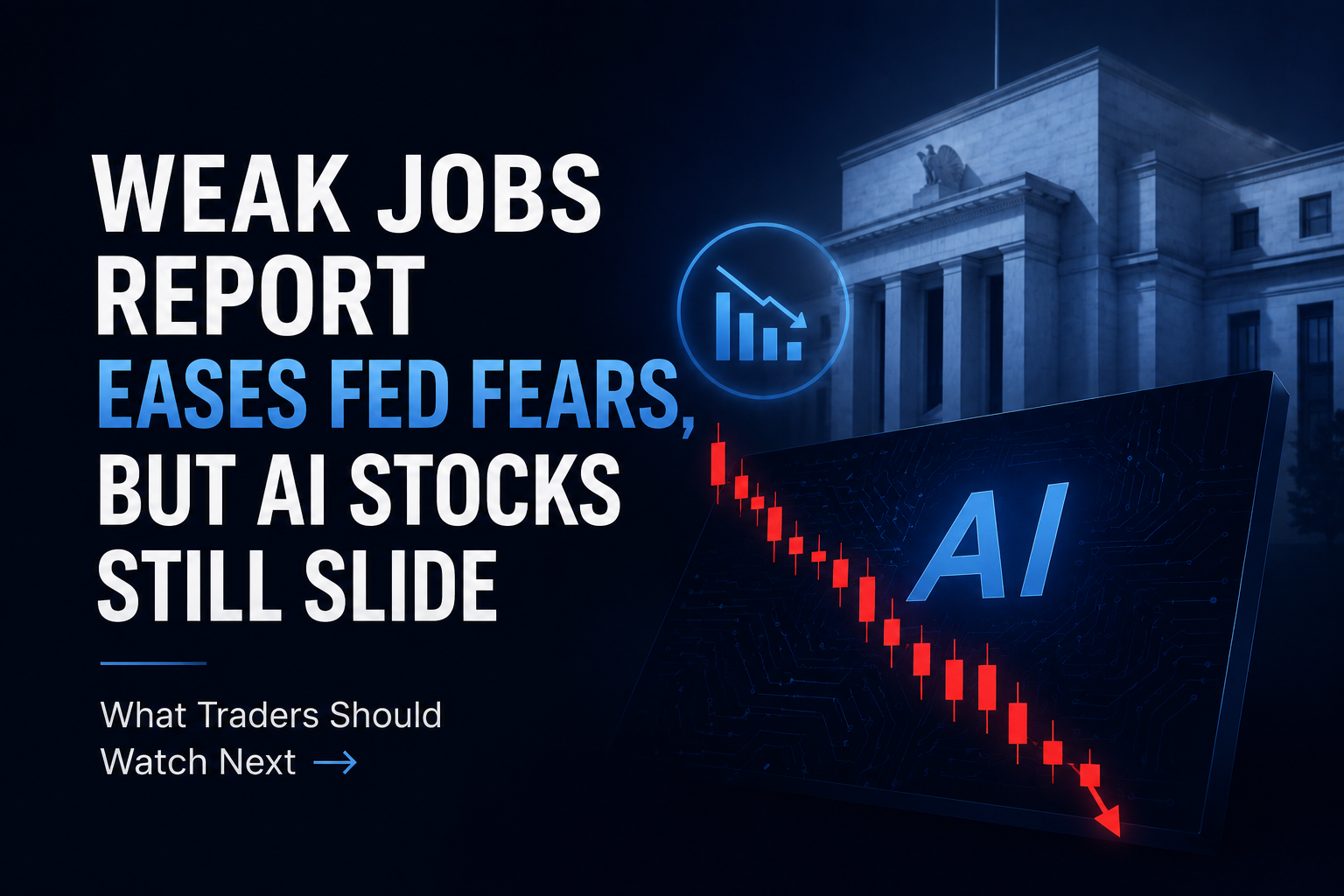
Weak Jobs Report Eases Fed Fears, But AI Stocks Still Slide: What Traders Should Watch Next
The U.S. June jobs report signaled a clear economic slowdown, missing expectations and lowering Federal Reserve rate hike fears. Despite lower Treasury yields, AI and tech stocks slid, proving that ma

FTIXX Lynq: Goldman's $100B Fund Connects to Crypto Rails
Goldman Sachs is making its Financial Square Treasury Instruments Fund, known by the institutional share-class ticker FTIXX, available to qualified U.S. participants through Lynq, a real-time settleme

Related Articles
View More
How to Use AI for Crypto Market Analysis
Crypto market analysis involves much more than checking whether Bitcoin or another asset is moving up or down. Traders need to understand price structure, trading volume, volatility, technical indicat

What Is an AI Trading Assistant and How Can Traders Use One?
Artificial intelligence is changing how traders interact with financial information.For years, using trading tools generally meant navigating multiple interfaces: opening charts, searching for news, c

How to Use AI to Find Trading Opportunities in Crypto
Crypto markets produce more information than any individual trader can realistically process. Prices move around the clock, trading volumes change quickly, new narratives emerge across sectors, and ne









